
Portfolio demonstration · Document retrieval
Google Drive document Q&A with answers you can check.
The team built a RAG knowledge platform that connects a Google Drive document collection to a custom GPT. The walkthrough shows answers with source quotations and a new transcript becoming searchable.
Watch the walkthrough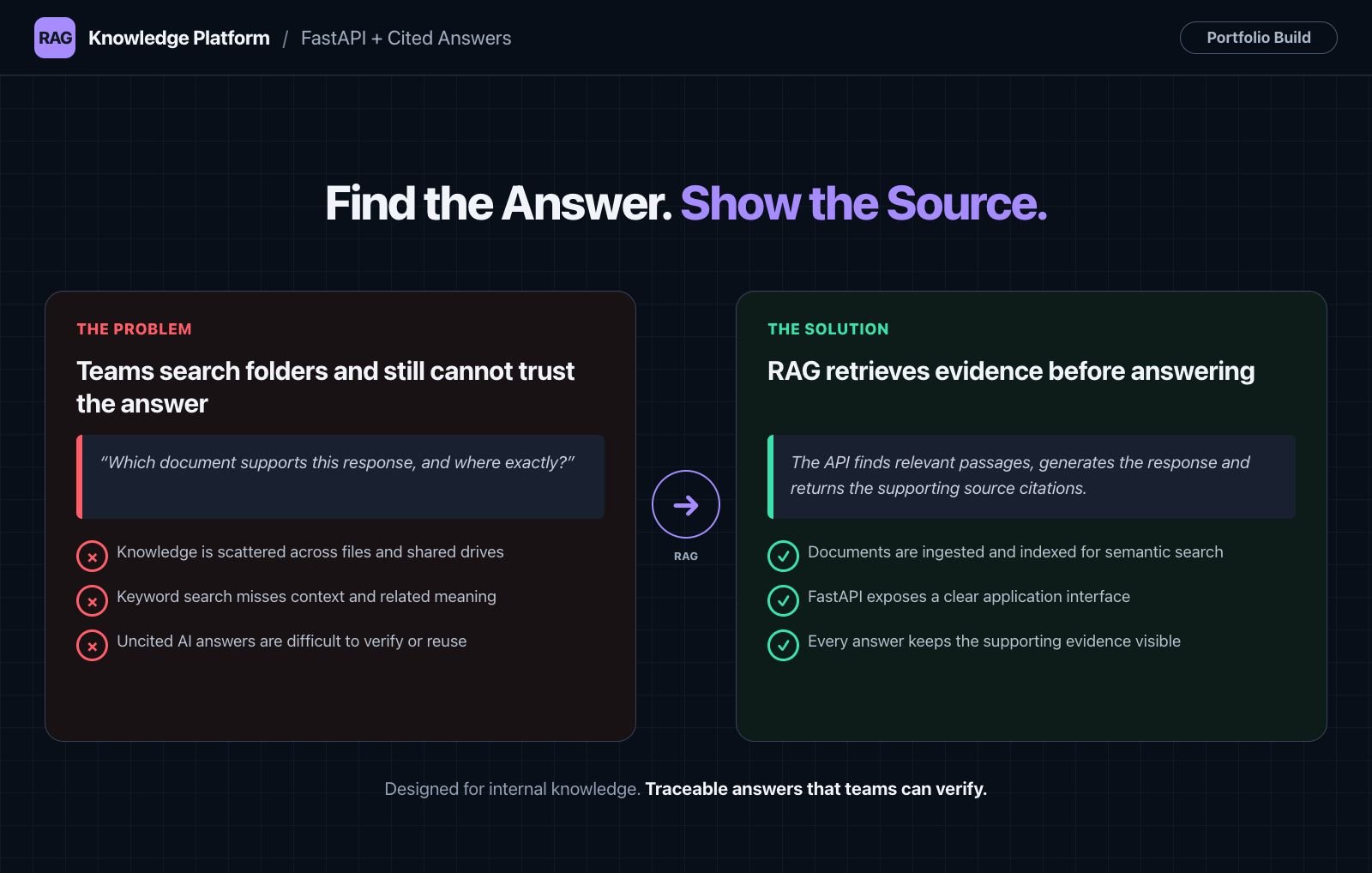
The problem this demonstration explores
A research question can depend on details scattered across interview transcripts, notes and other documents. Finding a plausible answer is only part of the task. The reader also needs to know which source supports it.
This portfolio example explores that workflow using a small research collection in Google Drive. The goal is to ask a question in a familiar chat interface and get an answer with quotations and filenames that can be checked against the original material.
From a Drive folder to a sourced answer
Google Drive holds the example documents. A custom GPT calls a retrieval API to find relevant material, then presents an answer with supporting quotations. The implementation uses Python and APIs, with Supabase described in the walkthrough as part of the backend. The portfolio build uses FastAPI for the API layer.
The demonstrated interface is a custom GPT. Other interfaces would be separate implementation choices for a client project.
- Maintain the source collection. Documents live in an agreed Drive folder.
- Ask a question. The custom GPT calls the retrieval API to obtain relevant source material.
- Check the evidence. The response includes quotations and source filenames so the reader can compare it with the documents.
What to look for in the recording
- 00:35 to 01:00. The example source folder is introduced, including documents and a scanned image.
- 01:04 to 01:32. A question triggers the retrieval API. The answer presents quotations attributed to two source files.
- 01:39 to 02:26. A new transcript is added. A subsequent answer cites that document.
The recording describes background synchronisation and incremental processing. It does not establish a production update-time guarantee or measure how the system behaves across a large collection.
What this example establishes
The useful result in the demonstration is an answer accompanied by source quotations, followed by an answer that uses newly added material. This makes the retrieval workflow visible rather than asking the viewer to judge the chat response alone.
This is a portfolio demonstration, not a verified paid production deployment. The scenario and time-saving claim in the narration are not presented here as measured client results. A scanned image appears in the collection, but the recording does not establish OCR accuracy. Production scale and per-user document permissions would need separate implementation and testing.
How we would scope a document-Q&A pilot
Start with one document collection and a set of questions your team actually asks. For each question, identify the source material that should support a useful answer. Include a question the documents cannot answer, so the expected behaviour is clear when evidence is missing.
We would agree the source formats, update process, permitted users and acceptance checks before implementation. The first milestone can focus on retrieval and cited answers. OCR, complex tables, application integration and document-level permissions should be discussed explicitly because they change the work involved.
Read about our AI agent and RAG development services for the wider implementation approach.
Explore the same workflow with your documents
Bring the document types, the questions people struggle to answer and the systems they use today. We can use a discovery call to identify a practical paid first milestone.